
How Opadeez works.
Four steps from idea to running application. Define your data, configure the logic, design the front-end, deploy in one click.
The full cycle — in days, not months.
Every Opadeez application follows the same four-step process. Each step builds on the last, and the platform handles the infrastructure so you focus on the business problem.
1. Define Your Data
- Create entities & attributes (tables & fields)
- Add formulas — e.g. age = now() − DOB
- Define 1-to-many relationships between entities
- Configure value lists: Male/Female, country list…
- Re-use data from external system tables or views
2. Configure the Logic
- Define business logic using the graphical flow designer
- Use Opadeez Scripting Language for advanced logic
- Define lookups to search and retrieve data
- Create jobs for automatic processing
- Schedulers for regular processes
- File watchers for automatic file processing
3. Create the Front-End
- Build the menu bar with access rights
- Use Page Designer to create data capture and lookup pages
- Define when fields are visible, mandatory, or read-only
- Create reports integrated with your solution
4. Deploy the Runtime
- One-click deployment — package, deploy, start
- Database schema updates automatically
- No manual migration scripts
- Rollback available
- Start using your system immediately
1. Define Your Data
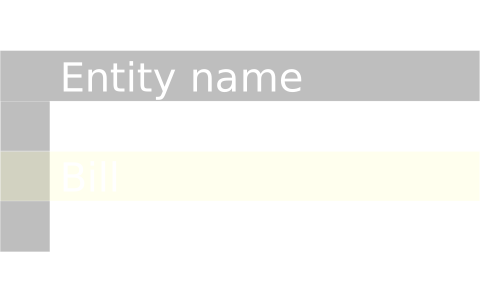
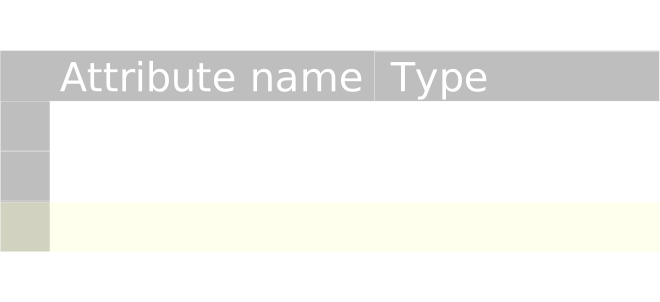
Build the data dictionary using Entities & Attributes — the foundation everything else runs on.
Entities & Attributes
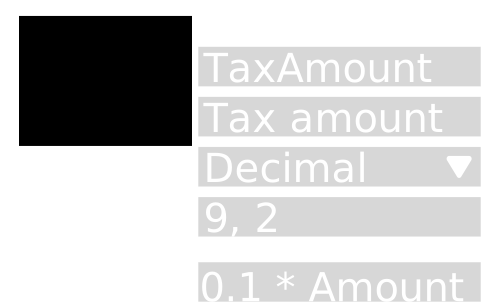
Create tables and fields with proper data types, validation rules, and default values.
Relationships
Define 1-to-many relationships between entities. Navigate related records directly from any page.
Value Lists
Configure dropdown lists — Male/Female, country list, status codes — reused consistently across the application.
2. Configure the Logic
Define business processes and automation using visual tools and a purpose-built scripting language.
Flow Designer
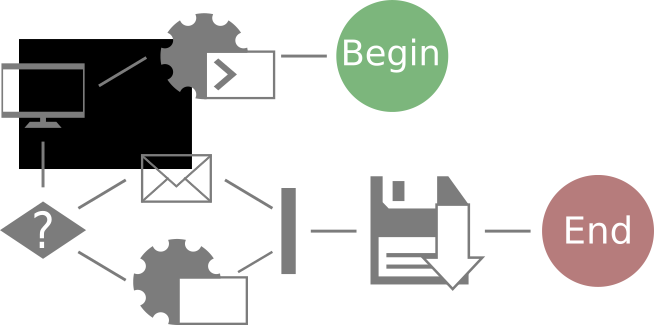
Create logical flows to control how actions are executed. Use standard actions to create records, save to database, show pages, call external APIs.
Lookups
Define lookups to fetch existing records from the database — used in flows, pages, and scripts.
Scripting Language
Write scripts using Opadeez's purpose-built language for calculations, loops, conditionals, and data manipulation.
Automation Jobs
Create jobs to process files automatically, schedule recurring tasks, or watch for incoming data.
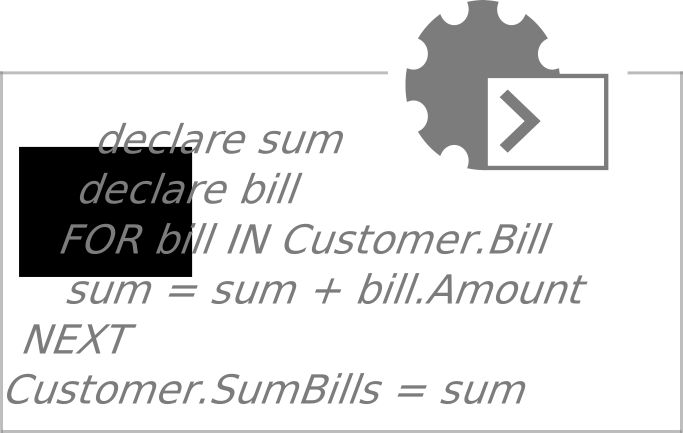
Example: Opadeez Scripting Language
declare sum
declare bill
FOR bill IN Customer.Bill
  sum = sum + bill.Amount
NEXT
Customer.SumBills = sum
3. Create the Front-End
Design user interfaces without writing HTML or CSS. The Page Designer handles layout, rules, and navigation.
Page Designer
Drag-and-drop UI builder for data capture and lookup pages. No HTML required.
Dynamic Rules
Use formulas to control when fields are visible, mandatory, read-only, or editable — based on data conditions.
Menu & Permissions
Configure menu bars and define which roles can access each section — without custom code.
Integrated Reports
Create reports that can be accessed and filtered directly from the Opadeez front-end.


4. Deploy
One-click deployment. Package, update the schema, start the runtime — in a single operation.
Step 1
Runtime components are created and packaged automatically.
Step 2
Database schema is automatically updated to reflect your changes.
Step 3
The solution starts and is ready to use.

Want to see it in action?
We can walk you through a live demo — either the fraud monitoring platform built for a Malaysian digital bank, or a workflow relevant to your specific use case.